



You will be sent to checkout at walrusaudio.com
WALRUS AUDIO
DFX-1 Percussion Processing Unit
$899.99
-
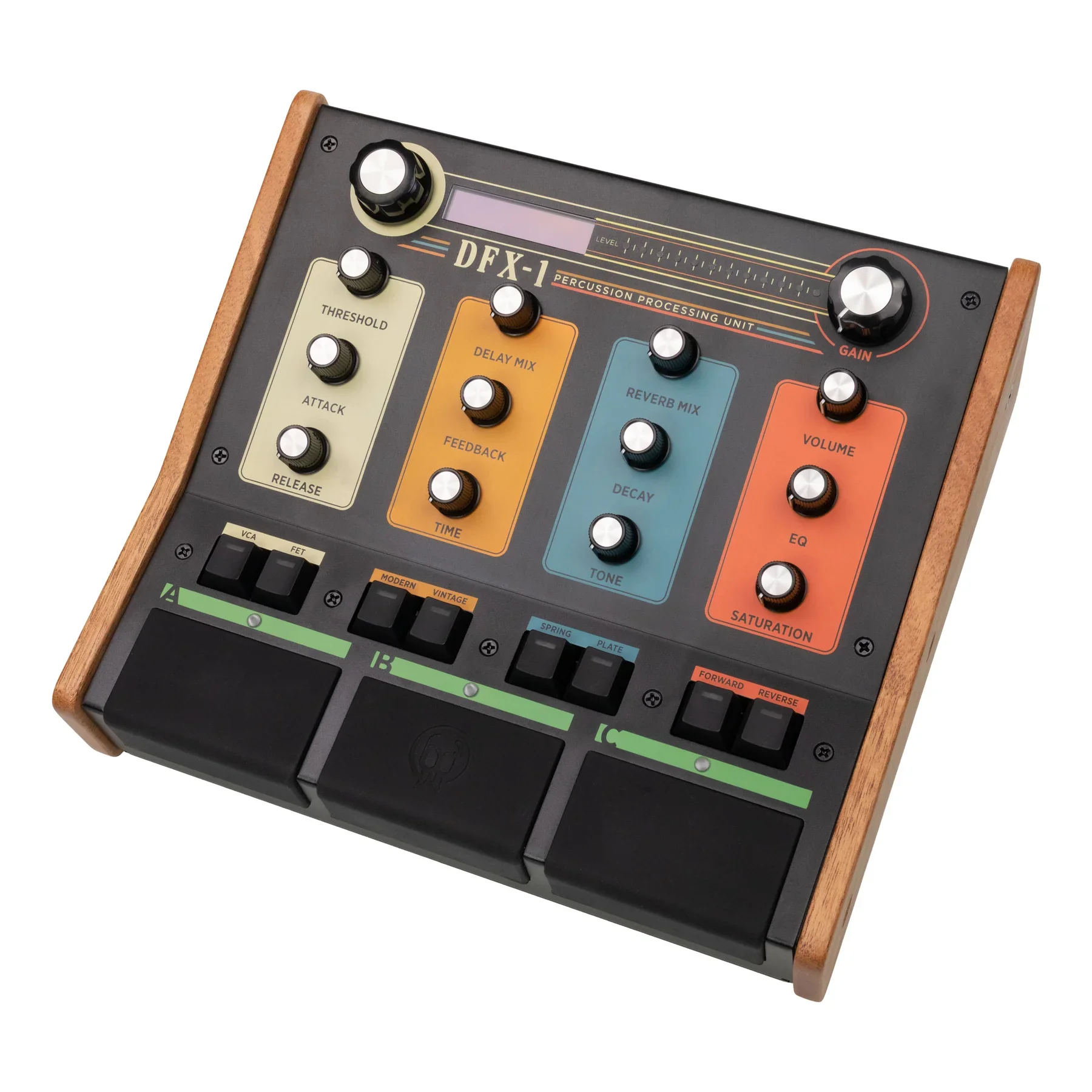
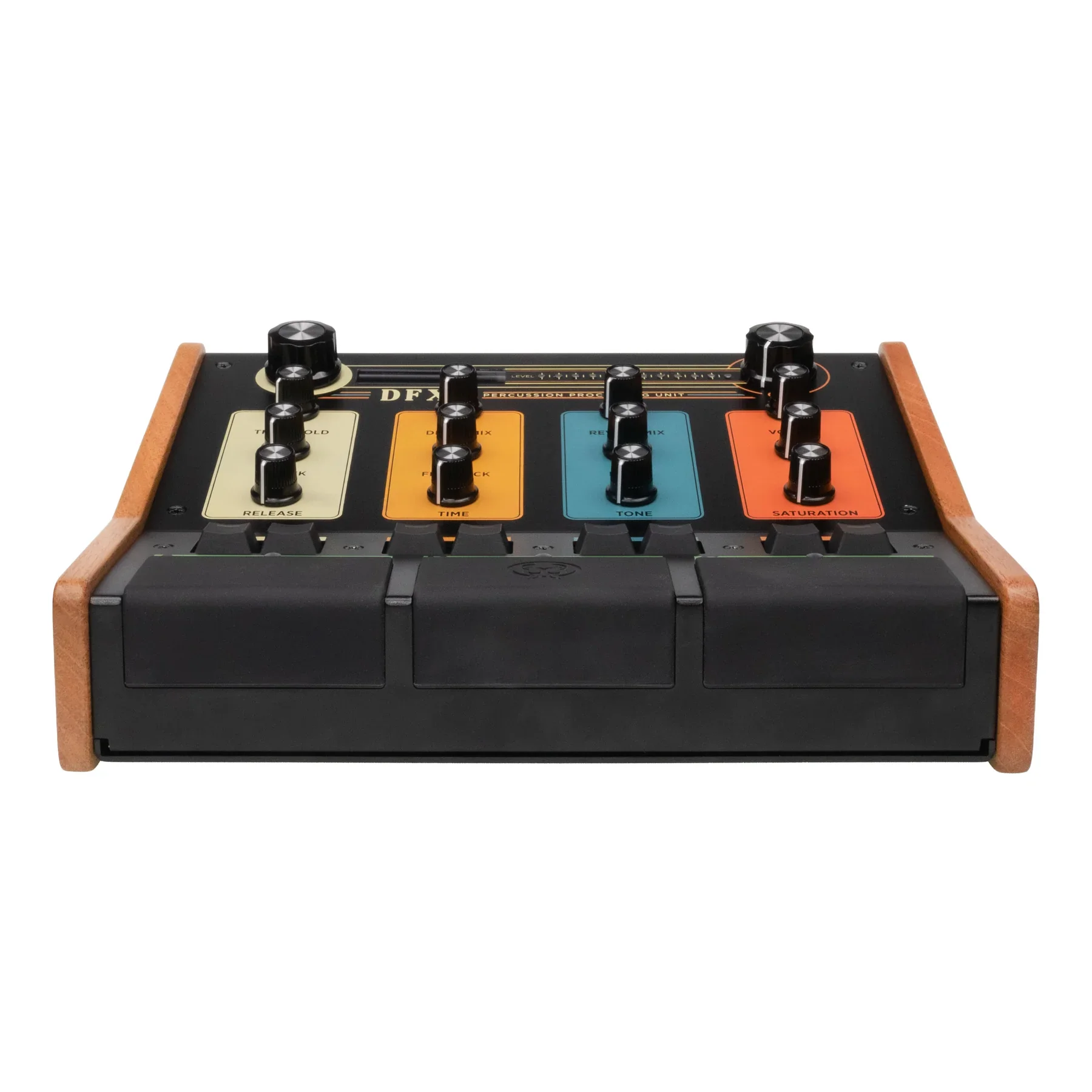
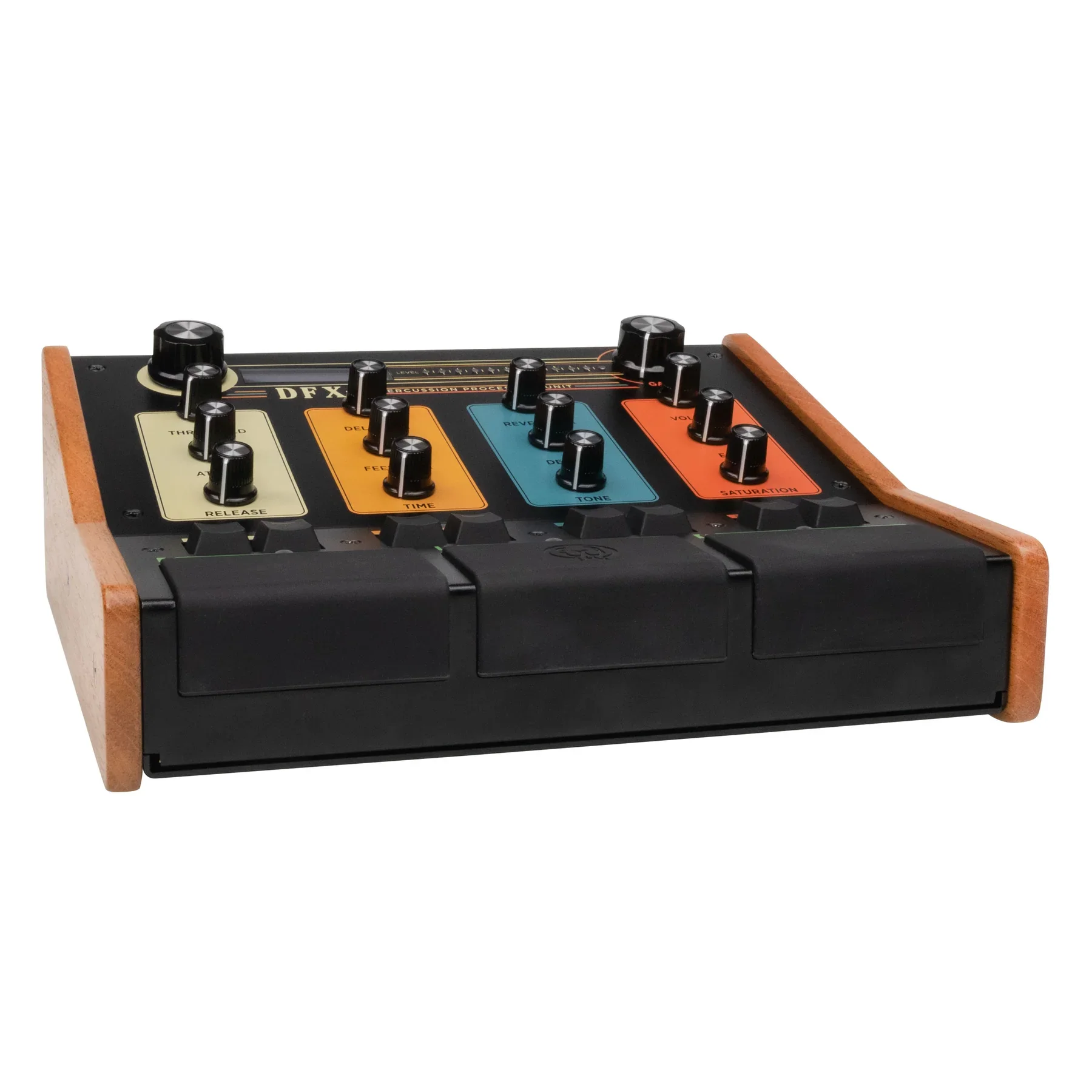
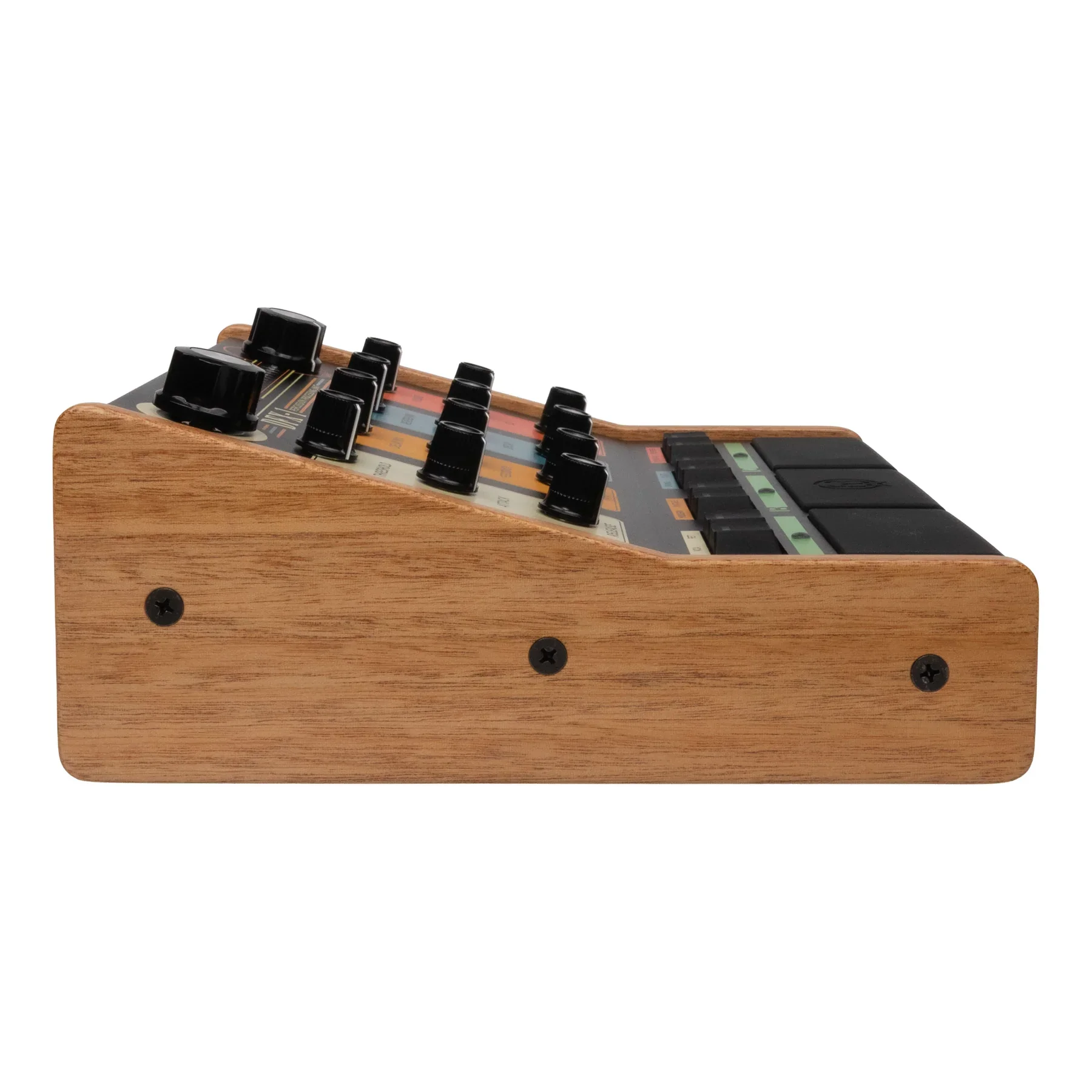
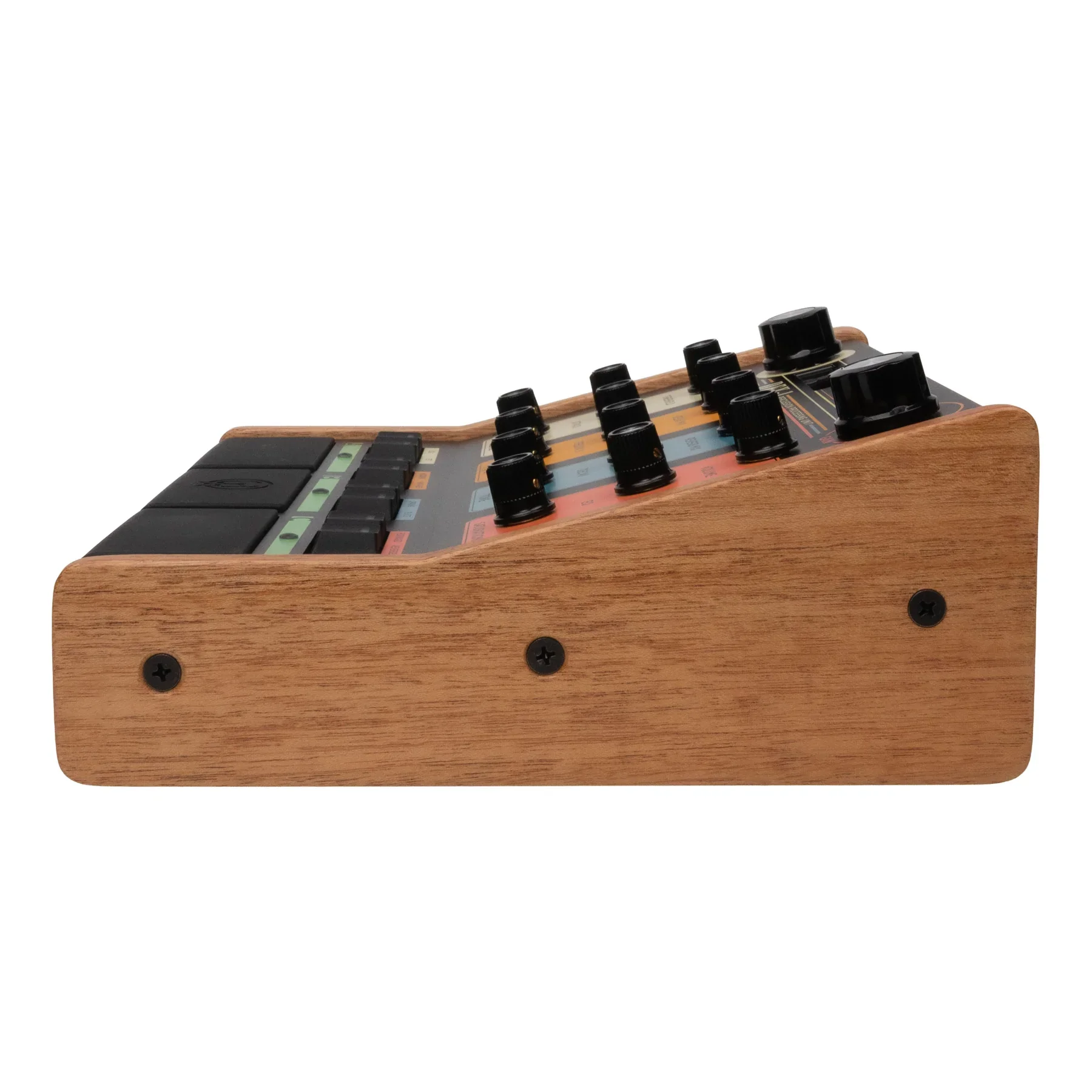
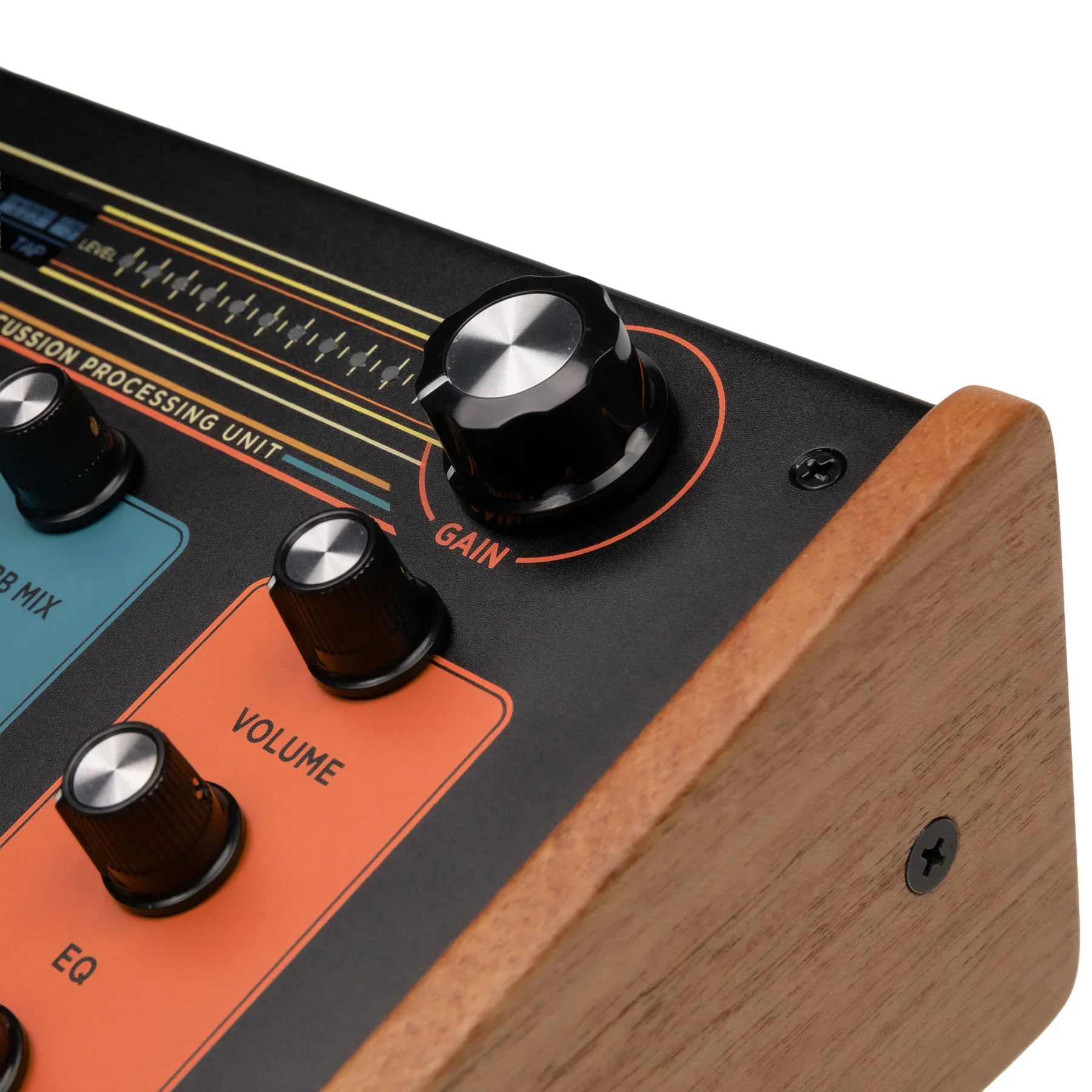
The DFX-1 is a multi-effect processing unit designed in collaboration with Aaron Sterling to add musical character and punch to any acoustic drum or percussion source. Craft everything from subtle to in-your-face drum sounds with studio-grade VCA & FET compression, two flavors each of Delay and Reverb, plus Saturation, Gating, an FX loop with customizable routing, and a flexible EQ. Use the DFX-1 anywhere on your kit with any microphone, whether it’s a squashed, spacious room mic, a tight, gated snare, or even routed outboard for processing in post. With a high-performance microphone preamp with phantom power, an effects loop to connect external outboard equipment, MIDI connectivity, and presets, a whole new world of sonic creativity becomes available right at your drum set.
The DFX-1 DOES include a 6ft (1.83 m) stock power supply with worldwide adapters.
-
Power: 9v 500mA Minimum
The DFX-1 DOES include a 6ft (1.83m), 9v, 500mA stock power supply with worldwide adapters.
Frequency Response: 20Hz to 20kHz
Sample Rate: 44.1kHz
Bit Depth: 24 Bit
Unbalanced: SNR: 98dB @ 1kHz +4dBu A-weight, THD+N: 0.0032% @ 1kHz +4dBu A-weight, Dynamic Range: 101 @ 1kHz +4dBu A-weight
Balanced: SNR: 99dB @ 1kHz +4dBu A-weight, THD+N: 0.0025% @ 1kHz +4dBu A-weight, Dynamic Range: 102 @ 1kHz +4dBu A-weight
Total Latency: 2.9ms
Preamp Gain: +60dB
XLR Input Impedance: 6.8k Ohms
1/4” Line Input Impedance: 24k Ohms
1/4” Instrument Input Impedance: 1M Ohm
FX Loop Send Impedance: 220 Ohm
FX Loop Return Impedance: 1M Ohm
XLR Output Impedance: 220 Ohm
1/4” Output Impedance: 220 Ohm
Note: The XLR and 1/4” Outputs are not discrete outputs; they are simply split from the same source for your preferred connection type.
Dimensions:
Total Weight in Box: 5.7lb
Box Dimensions: 312mm x 289mm x 115mm
Unit Weight: 3.8lb
Unit Dimensions(including knobs): 262mm x 232mm x 97mm
Effects
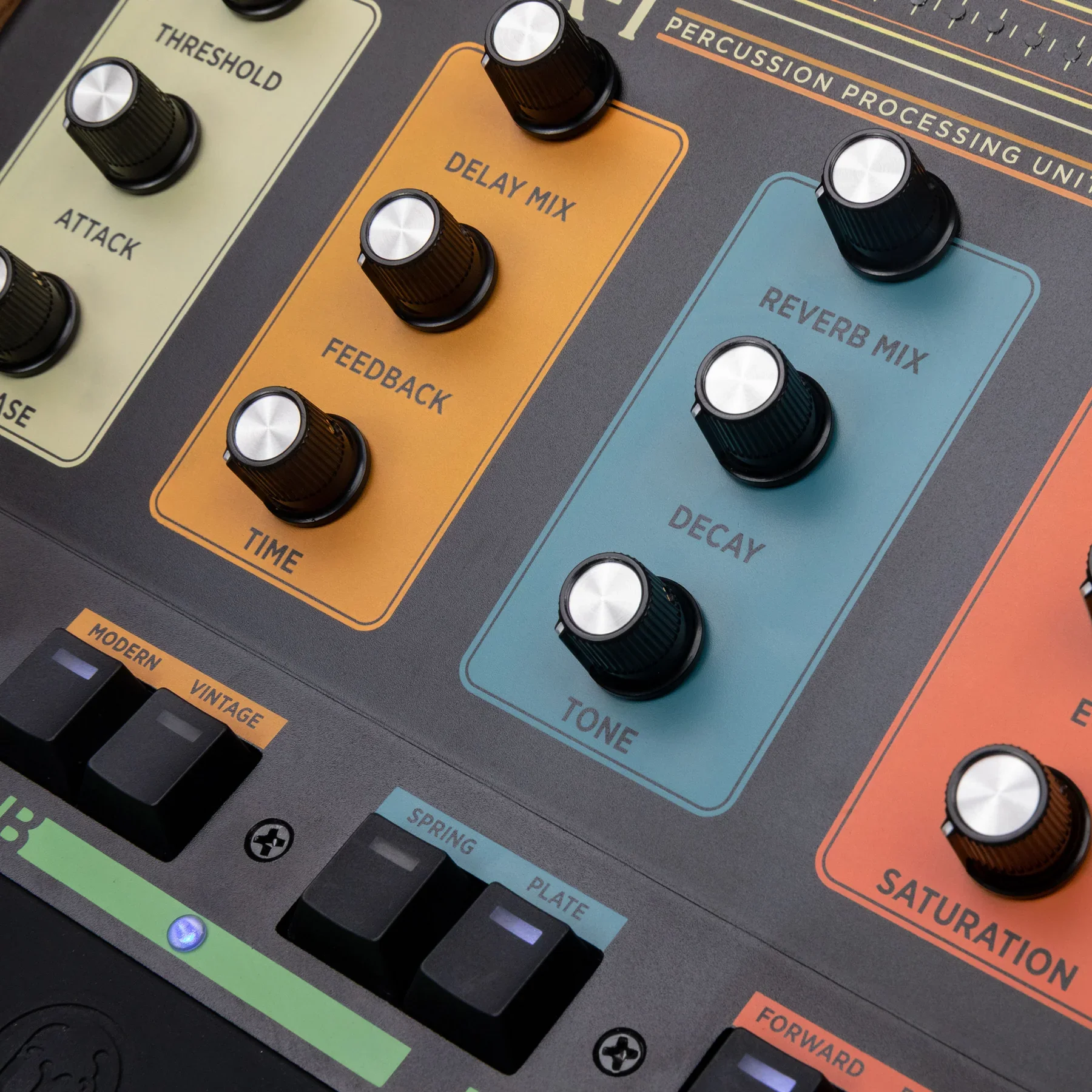
The DFX-1 is built around three main effect engines - Compression, Delay, and Reverb, each with two distinctive flavors so you can move smoothly between vintage character and modern clarity. Use the Saturation and Tilt-style EQ controls for further tone shaping. Additionally, the FX loop can incorporate pedals or outboard gear, and route effects in different orders for radically different results.
-
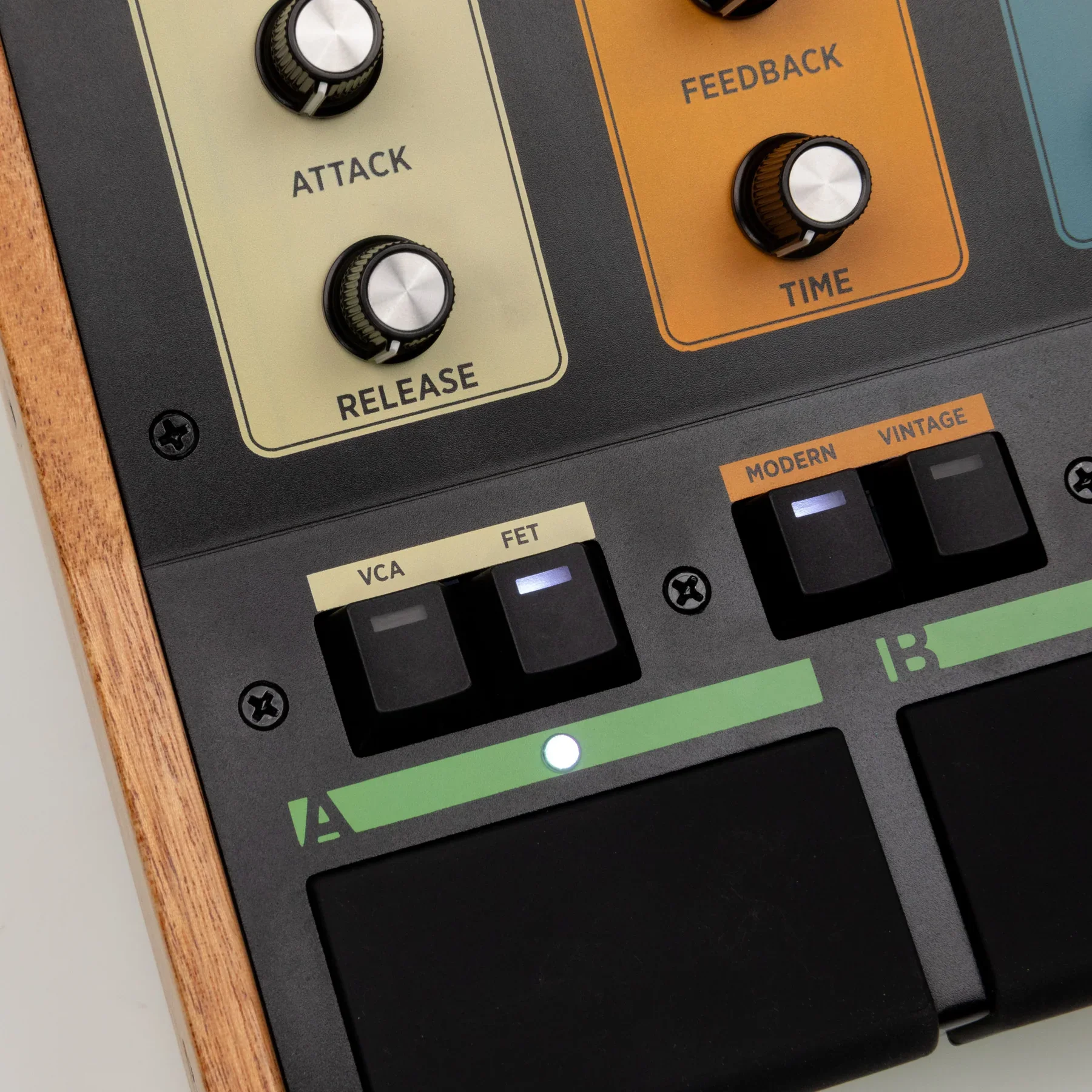
VCA: Models the API 2500’s signature VCA compression for added punch and to smoothly “glue” the mix together.
FET: Emulates the classic 1176 FET compressor with fast attack and release for punchy, gritty dynamics.
-
Vintage: Warm, analog/tape-inspired repeats with natural degradation.
Modern: Provides a tasteful digital delay with clearer repeats.
-
Spring: Captures the splashy character of classic spring tanks with lively, wobbly reflections.
Plate (Modern): Emulates a plate reverb for smooth, diffused reflections for a polished studio sheen.
Noise Gate
Gate: Set the threshold, hold time, and release time of an audio noise gate to eliminate unwanted background noise from your signal.
-
Saturation: Asymmetrical, tube-like clipping that enhances even/odd harmonic content.
EQ (Tilt EQ): Simple, musical tilt control:
center = flat
left = cuts highs/boosts lows
right = cuts lows/boosts highs
Graphic / Parametric bands (menu):
LP Cut (1 kHz – 20 kHz)
HP Cut (2 Hz – 600 Hz)
Mid Cut (+6dB to −18 dB) with sweepable Mid Frequency (300-1k Hz) and adjustable Q.
-
Effect Order: Switching order changes how the effects interact with each other. Experiment with both to find what fits best in your mix!
FWD (Forward): Saturation → Compression → Delay → Reverb → Tone.
REV (Reverse): Saturation → Reverb → Delay → Compression → Tone.
FX Loop Position:
The DFX-1’s FX loop allows you to place pedals or other external gear in the effect chain. You can also choose to place the FX loop after the saturation control, after the delay, or after the reverb!
-
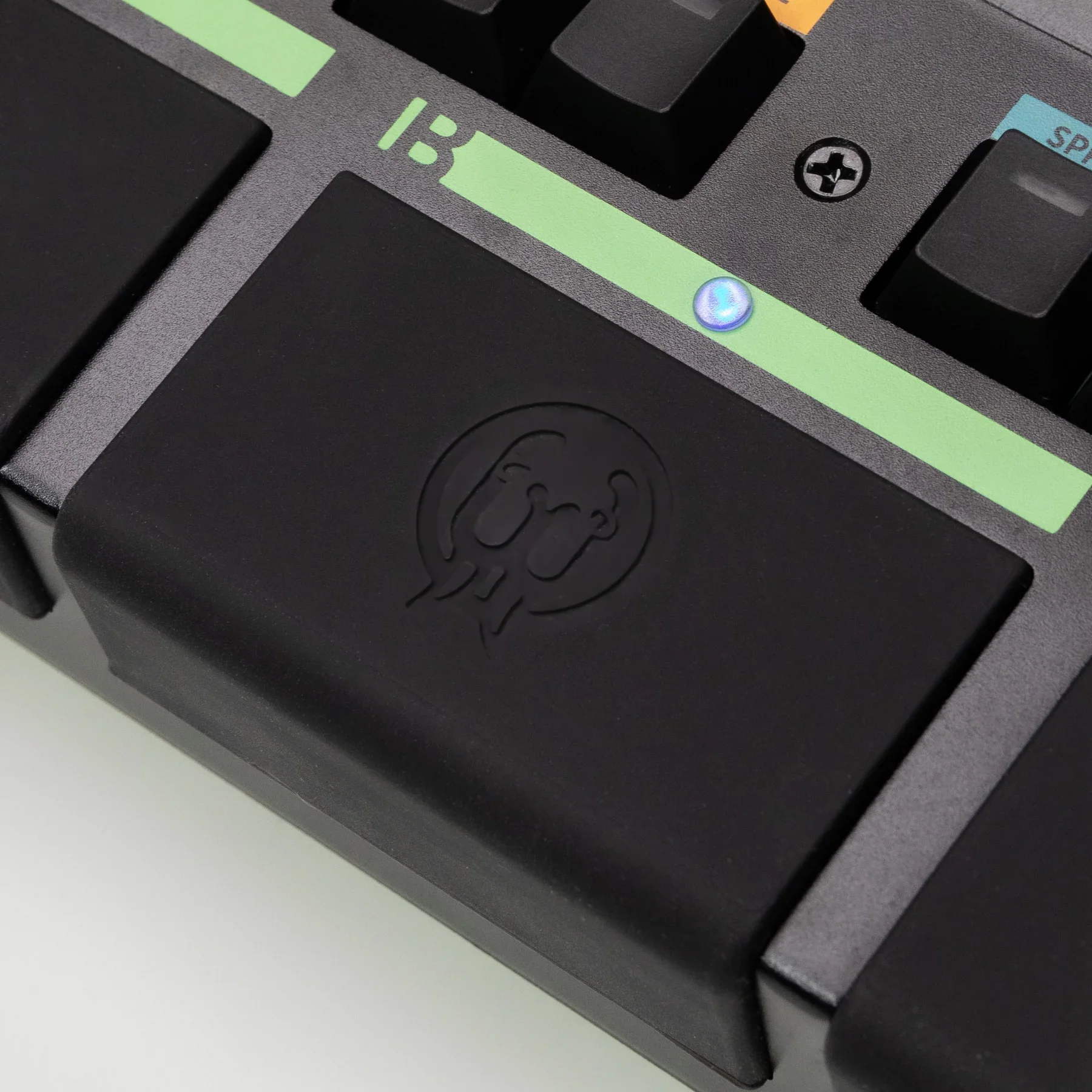
The three pads make it quick and easy to operate the DFX-1 in a live setting by quickly tapping them with a stick or your finger.
Pad A (Bypass): Toggle Bypass (LED Off = Bypassed, LED On = Enabled).
Pad B (Preset Cycle): Cycles through presets in groups of 3, based on your selection in the preset menu.
Group 1 = Presets 1-2-3
Group 2 = Presets 4-5-6 and so on.
The preset select page will scroll in groups of 3 so that you can see which 3 presets are in your current group.
Red = first preset in your group
Green = second preset in your group
Blue = third preset in your groupUp to 128 presets can be accessed through the preset menu and via MIDI.
Presets can also be copied/pasted into different slots through the preset menu.
Pad C (Tap Tempo): Tap to set the Delay BPM. Tap divisions can be adjusted via the Delay menu to Quarter, Quarter Triplet, Eighth, Sixteenth, and Dotted Eighth notes.
The DFX-1 is designed for drummers, percussionists, and beatmakers who want to take matters into their own hands when it comes to effects.
It allows a microphone to go straight into a world filled with gain, compression, delay, reverb, saturation, and EQ — without an external mic pre, without a mic-to-line level converter, and without extra cables. A true one-stop shop!
Details and FAQ
Inputs, outputs, and power
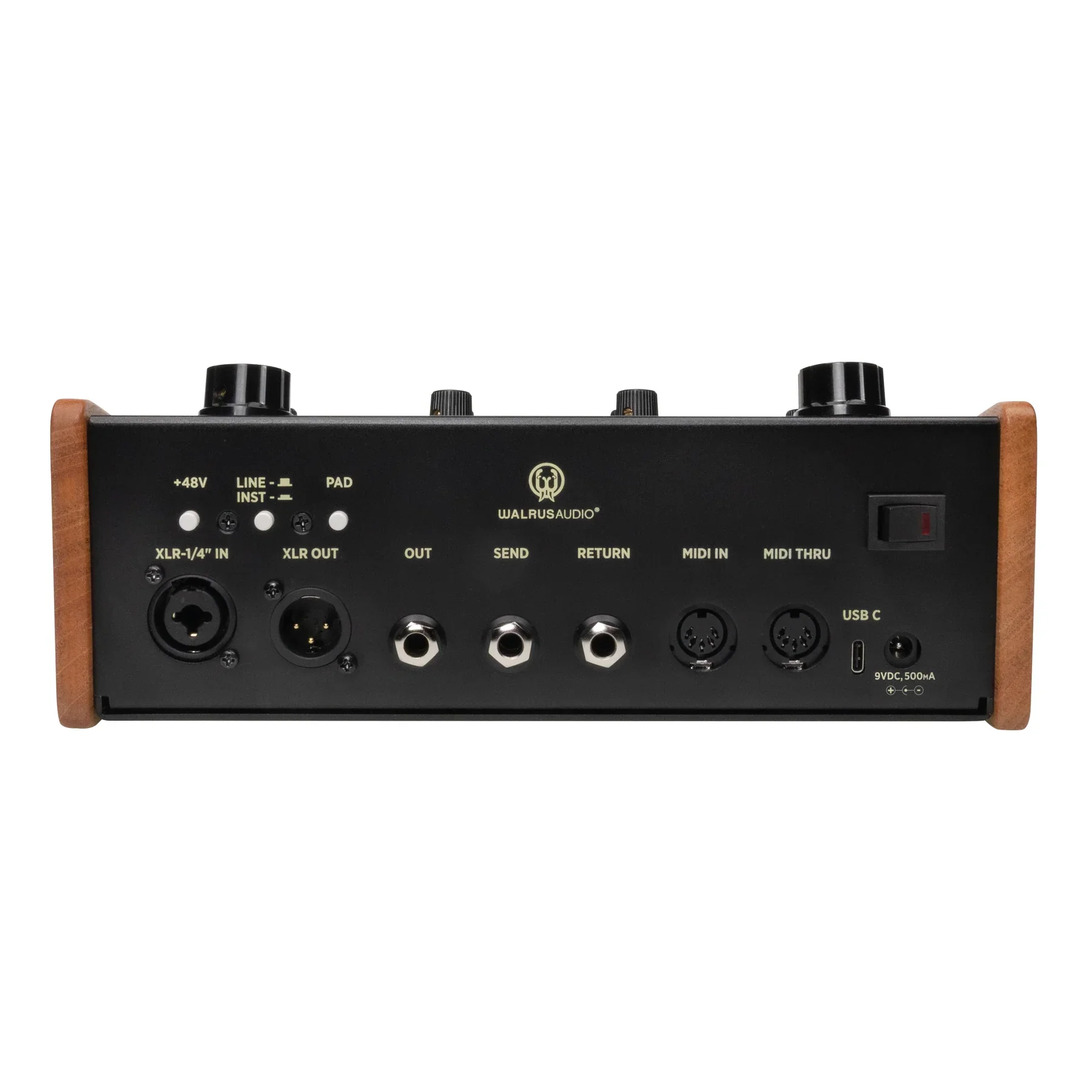
Inputs: XLR Balanced Input (mic) with +48 V phantom, ¼" Balanced Input (line/instrument switchable).
Outputs: XLR Balanced Output, ¼" Balanced Output.
FX Loop: ¼" Unbalanced Send and Return.
MIDI: 5-pin DIN MIDI IN, 5-pin DIN MIDI THRU (clock and program control).
USB-C: Firmware updates.
Power: DC Barrel Connector — 2.1 mm x 5.5 mm, center negative.
The DFX-1 DOES include a 6ft (1.83 m) stock power supply with worldwide adapters.
Rear pushbuttons: +48V phantom (XLR only), LINE/INST toggle for ¼" input (Line = −20 dB pad, 24 kΩ; Inst = high impedance 1 MΩ), Pad (global −20 dB attenuation after preamp).
Quick start tips
Need punch? Try FET compression on the snare with a short attack and medium release, add a little saturation, and a short vintage delay.
Need space? Tracking drums in a small room, but want a big sound? Hit the reverse button and use Plate reverb into the Compressor.
Use external pedals? Put them in the FX loop and toggle the SEND location (→C, →D, →R) to find the sweet spot in the signal chain.
Live setup: Save three presets per group for “drums dry,” “snare front,” and “ambient kit.” Step through presets by hitting Pad B or MIDI program change.
FAQs
-
Yes. XLR input supports +48V phantom (rear pushbutton). Don’t enable phantom if using mics that forbid it (check mic spec).
-
The FX Loop is unbalanced ¼" (pedal-level). Use A/B-style devices or re-ampers accordingly.
-
Delay Feedback can produce high feedback or self-oscillation at extreme settings.
-
Yes. MIDI IN and clock enable are available; consult the MIDI section in the manual for mapping and channel assignments.